
Introduction to CSS Grid: Mastering 2D Layouts
 remove_red_eye
151 Views
remove_red_eye
151 Views
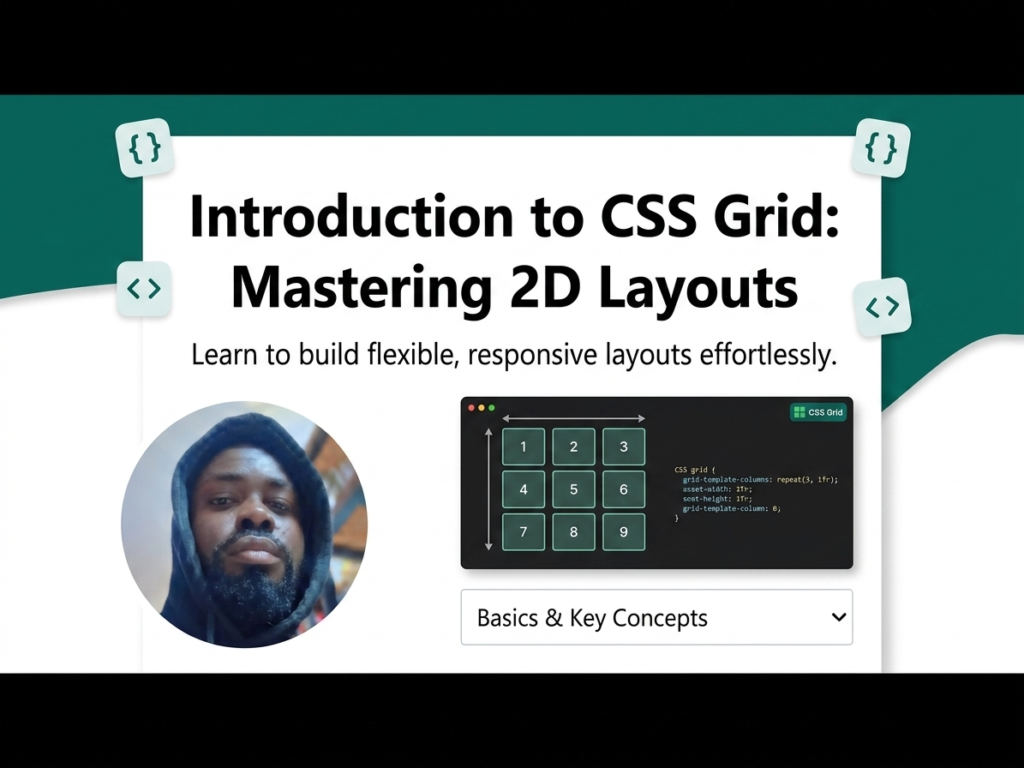
Before CSS Grid, creating complex website layouts often required hacky floats or rigid tables. CSS Grid is a powerful layout engine built directly into the browser that allows you to align elements into rows and columns without needing external frameworks like Bootstrap.
Lesson Overview
- What you will learn: How to initialize a grid and define basic columns and rows.
- Key concepts: Grid Container, Grid Items, and the fr (fractional) unit.
- Expected outcome: You will be able to build a basic responsive hero layout.
To start using Grid, you must define a container. Any direct children of that container automatically become grid items.
Step 1: The HTML Structure
First, we need a parent element (the container) and several nested elements (the items). Copy this into your HTML file:
<div class=”grid-container”>
<div class=”grid-item”>1</div>
<div class=”grid-item”>2</div>
<div class=”grid-item”>3</div>
<div class=”grid-item”>4</div>
</div>
Step 2: Define the Container in CSS
Apply display: grid to the parent class. This “activates” grid properties for all children.
.grid-container {
display: grid;
/* A fixed 200px sidebar and a flexible main area that fills the rest */
grid-template-columns: 200px 1fr;
gap: 20px; /* Creates consistent spacing between items */
}
.grid-item {
background-color: #3498db;
color: white;
padding: 20px;
text-align: center;
}
Step 3: Understanding the fr Unit
The fr unit represents a fraction of the available space. Unlike percentages, fr units automatically handle the math for your gap settings so nothing overflows the screen.
Step 4: Creating Rows
While columns are the most common focus, you can also set specific row heights to maintain structure:
.grid-container {
display: grid;
grid-template-columns: repeat(3, 1fr); /* Creates three equal columns */
grid-template-rows: 100px auto; /* First row is 100px, second fits content */
}
Playground
See the Pen CodePen Demo
Assignment
Task 1
Copy the HTML structure from Step 1. Use CSS Grid to arrange the four items into a 2×2 square where every box is exactly 200px by 200px.
Task 2
Update your CSS so that the four items appear in a single row. The first item should take up 50% of the total width, and the remaining three items should split the rest of the space equally using the fr unit.
Skill Check
Advertisement
Recent Posts
- Mastering Time: A Practical Guide to Building a Digital Clock with JavaScript
- How to Easily Add Live Crypto Prices to Your Website
- CSS grid vs flexbox solved: how to choose the right layout system
- How to create sticky headers and footers that work on all screens
- How to build responsive layouts using flexbox step by step