
How can I fix “You need to format the disk before you can use it” – SOLVED
 remove_red_eye
212 Views
remove_red_eye
212 Views
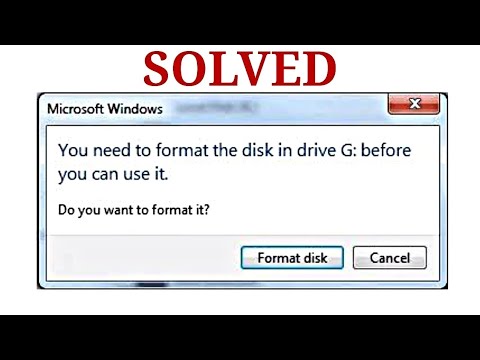
If you are receiving the error “You need to format the disk before you can use it,” you may be able to resolve the issue and recover your data without losing your files by using the Windows chkdsk (check disk) command.
How to Fix the Error Using Command Prompt
This process uses a single command to identify and fix logical or physical errors on your drive.
1. Open Command Prompt as Administrator:
Click on your Windows search bar and type CMD.
Right-click on Command Prompt in the results and select Run as administrator.
2. Identify Your Drive Letter:
Check your computer to see which letter is assigned to the disk experiencing the error (e.g., F:, H:, etc.)
3. Run the Check Disk Command:
In the Command Prompt window, type the following command, replacing `X` with your specific drive letter:
chkdsk X: /f
Example: If your drive is F, you would type chkdsk F: /f
Note: The /f parameter is the command that instructs Windows to fix any errors found on the volume.
4. Wait for the Process:
Let the command run to completion. The terminal will display progress through various stages (such as stage 1, 2, and 3) as it checks and repairs the file system
5. Restart if Necessary:
If the process fails or the disk is locked, the Command Prompt may prompt you to restart your computer. If you see this message, restart your PC to allow the command to complete successfully
Once the process is finished, your drive should be accessible again without having lost your data.
For more details, you can watch the full explanation here:
Advertisement
Recent Posts
- Mastering Time: A Practical Guide to Building a Digital Clock with JavaScript
- How to Easily Add Live Crypto Prices to Your Website
- CSS grid vs flexbox solved: how to choose the right layout system
- How to create sticky headers and footers that work on all screens
- How to build responsive layouts using flexbox step by step