
How to optimize CSS for faster page load
 remove_red_eye
180 Views
remove_red_eye
180 Views
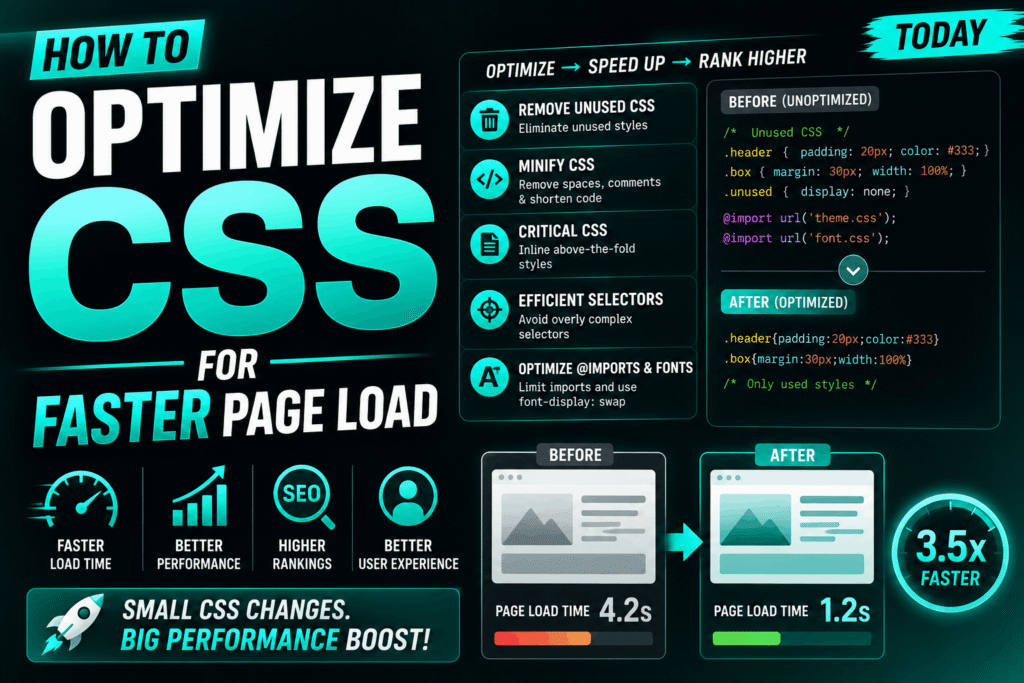
Optimizing your CSS is one of the most effective ways to improve your website’s First Contentful Paint (FCP) and Largest Contentful Paint (LCP). Because browsers treat CSS as a render blocking resource, your pages will not display until the browser downloads and parses your style sheets.
As a senior developer, I will teach you the core strategies to streamline your CSS delivery for lightning-fast page loads.
1. Eliminate Render-Blocking CSS
By default, the browser blocks rendering until it has loaded all CSS files linked in your HTML head. To fix this, extract the CSS required to style only the visible part of the page above the fold (Critical CSS) and inline it directly into your HTML document. Then, load the remaining styles asynchronously.
Here is how you structure your HTML to defer non-critical CSS:
<!-- Critical CSS Inlined -->
<style>
    body { font-family: sans-serif; margin: 0; padding: 0; }    header { background: #111; color: #fff; padding: 20px; }  </style>
<!-- Non-Critical CSS Loaded Asynchronously -->
<noscript> 	 	 	<link rel="stylesheet" href="non-critical.css"></noscript>
<header>
<h1>Welcome to My Fast Website</h1>
</header>
2. Minify and Compress Your Stylesheets
Minification removes unnecessary characters from your code, such as comments, whitespace, and semicolons, without changing its functionality. Combined with Gzip or Brotli compression on your web server, this drastically reduces file transfer sizes.
Compare this unoptimized CSS with its minified counterpart:
Unoptimized CSS:
/* Navigation bar container style */
.main-navigation {
display: flex;
justify-content: space-between;
margin-top: 20px;
padding: 10px;
}
Minified CSS:
.main-navigation{display:flex;justify-content:space-between;margin-top:20px;padding:10px}Use build tools like PostCSS, PurgeCSS, or clean-css to automate this process in your production pipelines.
3. Avoid Using the @import Rule
The CSS @import rule allows you to import one stylesheet into another. However, this creates a performance bottleneck because the browser must download and parse the parent stylesheet before it discovers and initiates the download for the imported child stylesheet.
Instead of importing files within your CSS, use the HTML link tag to load them in parallel:
Bad Practice (styles.css):
@import url(“variables.css”);
@import url(“grid.css”);
body {
background-color: var(–bg-color);
}
4. Optimize and Simplify Selectors
Browsers read CSS selectors from right to left (key selector to category selector). Complex, deeply nested selectors force the browser engine to spend more CPU cycles matching elements in the DOM tree. Keep selectors flat and lean.
Bad Practice (Deep Nesting):
body div.container main article.post div.entry-content p a {
color: #ff0000;
}
Good Practice (Direct Class Selection):
.post-link {
color: #ff0000;
}
By implementing these four core techniques deferring non critical styles, minifying code, loading stylesheets in parallel, and simplifying selector complexity you will drastically reduce your page render times and provide a superior user experience.
Advertisement
Recent Posts
- Mastering Time: A Practical Guide to Building a Digital Clock with JavaScript
- How to Easily Add Live Crypto Prices to Your Website
- CSS grid vs flexbox solved: how to choose the right layout system
- How to create sticky headers and footers that work on all screens
- How to build responsive layouts using flexbox step by step