Mastering Markdown. Detailed Crash Course
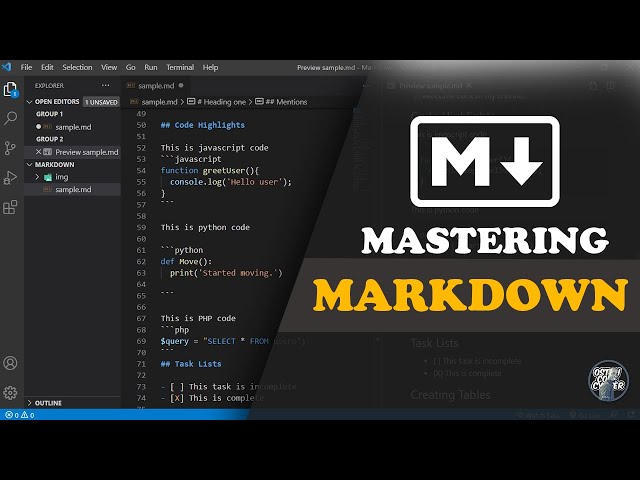
Markdown helps you write clean content fast. Many developers, bloggers, and technical writers rely on Markdown each day. WordPress users also benefit from Markdown during documentation, tutorials, and README pages.
This guide shows core syntax, real examples, and daily use cases. Each section focuses on tasks you perform while writing blog posts or documentation.
What Is Markdown
Markdown stands as a lightweight markup language. Text stays readable in raw form. Formatting appears after rendering.
Common use cases:
- Blog posts
- Documentation
- GitHub README files
- Notes and tutorials
- Technical guides
Why Developers Prefer Markdown
Markdown reduces time spent on formatting. Focus stays on writing. Files remain small and easy to manage.
Key advantages:
- Fast writing workflow
- Clean structure
- Easy learning curve
- Works across many platforms
- Search engines index content without issues
Tutorial
Basic Markdown Syntax
Headings
Headings organize content. Search engines read headings to understand page structure.
Use the hash symbol.
# Heading Level 1
## Heading Level 2
### Heading Level 3
#### Heading Level 4
Best practice:
- Use one H1 per page
- Use H2 for main sections
- Use H3 for sub sections
Bold and Italic Text
Bold text highlights key points. Italic text adds emphasis.
**Bold text**
*Italic text*
***Bold and italic***
Lists
Lists improve readability. Readers scan lists faster than paragraphs.
Unordered List
* Item one
* Item two
* Item three
Ordered List
1. Step one
2. Step two
3. Step three
Links
Links connect readers to related resources. Internal links improve SEO.
[Visit My Website](https://ostoncodecypher.space)Images
Images increase engagement. Tutorials perform better with visuals.
Blockquotes
 highlight notes, warnings, or tips.
> This stands as an important note for readers.Code Formatting
Inline Code
Use backticks for short code snippets.
Use the `echo` command in PHP.Code Blocks
Use triple backticks(` ` `) for longer code.
` ` `
function greet() {
echo “Hello World”;
}
` ` `
Horizontal Line
A horizontal line separates sections.
– – –Tables in Markdown
Tables organize structured data. Product comparisons and feature lists often rely on tables.
| Name | Role | Status |
| ———- | ——— | ——- |
| John | Developer | Active |
| Sarah | Designer | Active |
| Mike | Writer | Offline |
Checklist Tasks
Task lists help project tracking. Many documentation systems support checkboxes.
* [x] Install WordPress
* [x] Setup theme
* [ ] Publish first post
Final Thoughts
Markdown stands as a core skill for modern web publishing. Bloggers, developers, and technical writers rely on simple syntax and fast formatting. Regular practice builds speed and consistency.
account_box Author: Osto Code
date_range Date: 22nd, March 2026
access_time Time: 4:50 pm
remove_red_eye Views: 22 Views