How To Update Chromebook
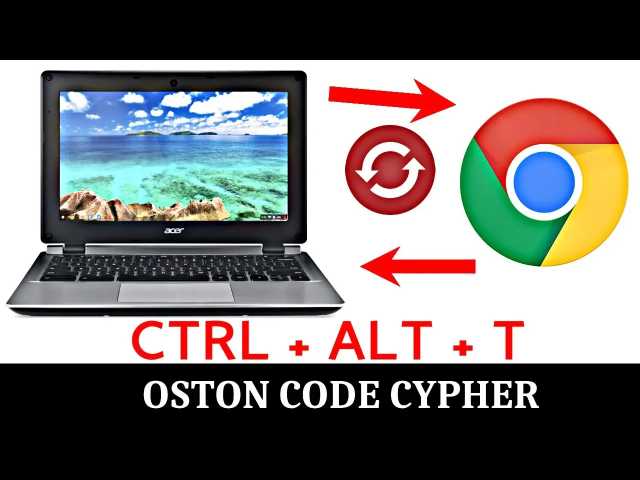
I came across such question and thought my solution will be important.
QUESTION:: Unable to change channel and/or update my chromebook.
“Anytime I try to update from Version 45 to newer it says that my system is already updated…It does the same when I try to change from stable channel to beta or developer.
In both cases the Chromebook does not download and update anything and run always on 45 version even after multiple reboots….Does anybody know what’s happening with my Chromebook and how could I fix it?”
MY SOLUTION::
STEP 1.
Switch on your chromebook if it is off.
STEP 2.
Try issuing this command string inorder to Open the CrOSH shell:
“Ctrl + Alt + t”STEP 3.
When the CrOSH shell is open, issue this command.
update_over_cellular enableSTEP 4.
Lastly type “exit” to leave the shell
Then try to update again.Hope this solution helps you and incase you have any query feel free to click those social media links to connect with me.
account_box Author: KTim
date_range Date: 5th, February 2026
access_time Time: 9:28 pm
remove_red_eye Views: 12 Views